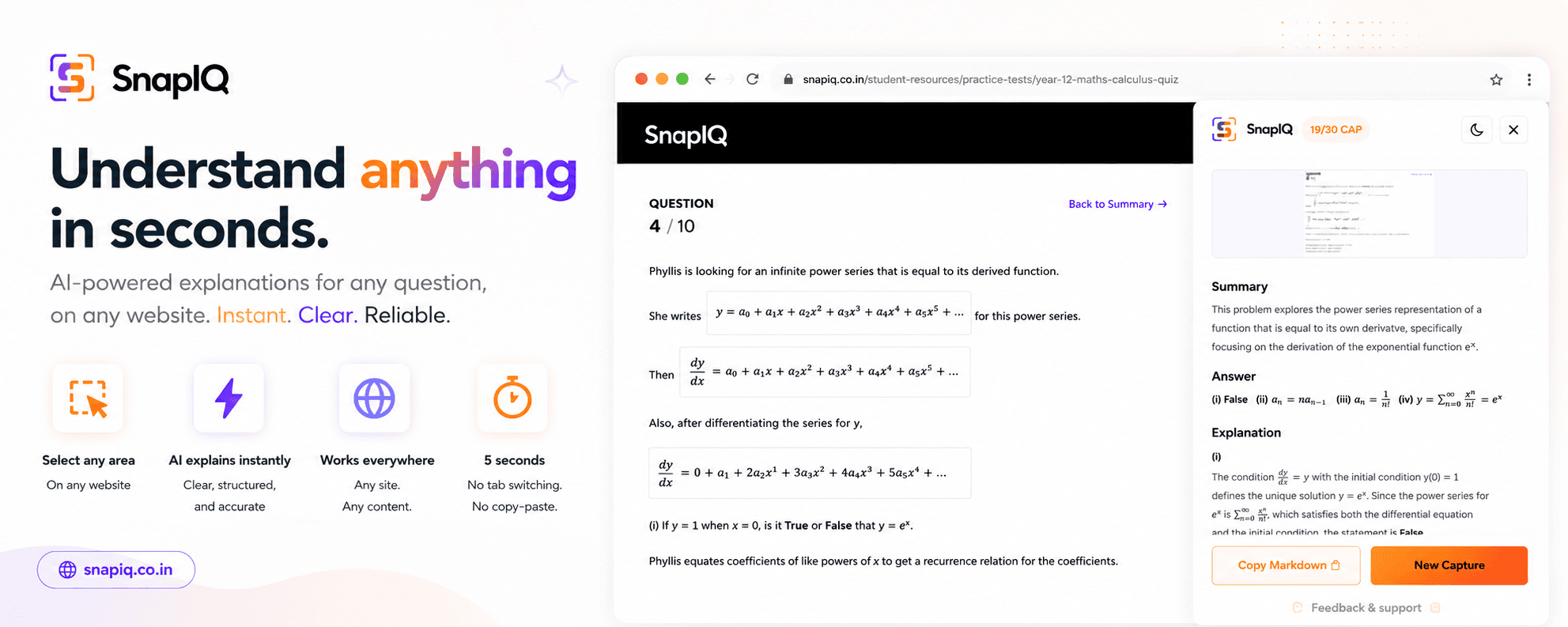
We've all been there: you're in the middle of an online quiz, a timed assessment, or a tough homework assignment, and you hit a wall.
It's an MCQ (Multiple Choice Question) with tricky options, or even worse, a complex mathematics equation full of fractions and symbols that are completely impossible to type into a regular search box.
Flipping between tabs to copy-paste questions or trying to type out complex math symbols wastes precious time. That is exactly why students are using SnapIQ — the ultimate Chrome extension built to solve online quizzes, assessments, and tough problems right on your screen without switching tabs.
Why SnapIQ is the Ultimate Student Secret Weapon
1. The Perfect AI Quiz Solver for MCQs
When you are taking online quizzes or practice tests, speed matters.
- The Problem: Copying long question stems and four different options into an external chat window takes too long.
- The SnapIQ Solution: Drag a box over the entire MCQ on your screen. The built-in AI reads the question and options instantly, highlighting the correct answer with a clear explanation right in a side panel.
2. AI Math Problem Solver From Image (No Typing Needed!)
Trying to type a calculus equation, chemistry formula, or physics diagram into a search engine is a nightmare.
- The Problem:Standard search bars can't read symbols or graphs.
- The SnapIQ Solution: If you can see it on your screen, SnapIQ can solve it. Just snap an image of the equation. The extension provides an instant, step-by-step math solver experience, breaking down exactly how to get the answer.
3. Crushing Online Assessments and Homework
When assignments get overwhelming, you don't just need the answer — you need to understand whyit's correct.
- The Problem: Finding an answer online often gives you zero context or explanation.
- The SnapIQ Solution: SnapIQ works as an online assessment helper. It doesn't just feed you the final option; it generates clear, step-by-step explanations right next to your assignment so you actually learn the material for your next exam.
Zero Tabs. Zero Clutter. Just Answers.
Unlike regular screenshot tools that fill your computer with messy files, SnapIQ works entirely inside your browser. You snap the problem, and the AI answer appears side-by-side on the exact same page. Your test or homework stays open, your focus stays intact, and you finish your work in half the time.
Get Started in 3 Simple Steps
- Add It: Go to the official SnapIQ Web App and install the extension.
- Snap It: Crop any hard-to-type math equation, quiz question, or MCQ on your screen.
- Learn It: Get the correct answer and a full step-by-step breakdown instantly in your sidebar.
Stop wasting time typing out equations. Smash your online quizzes today!